Search the Help System
You can use the search window to search the contents of the help system.
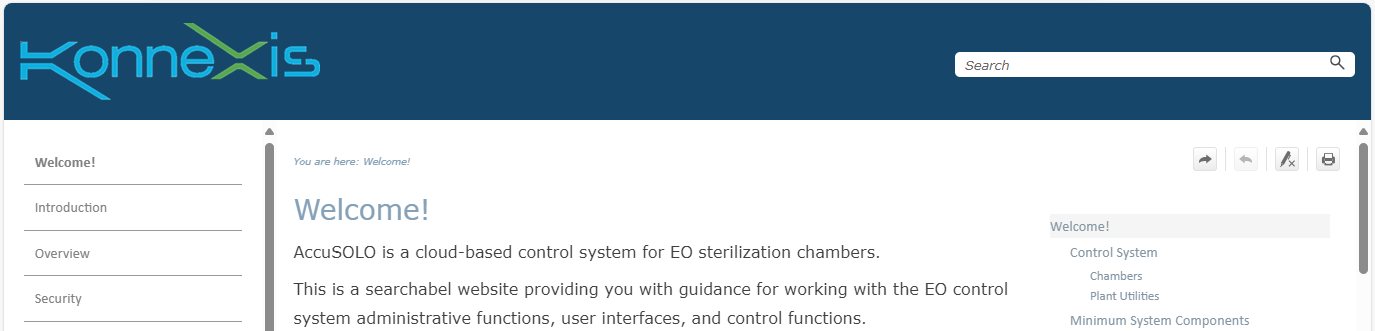
The search feature supports full text search, phrase search, boolean operators (e.g AND, OR, NEAR, NOT, and ()), asterisk (*) wildcard search, partial-word search.
Tips for searching
- Type all keywords in the search window. Full text search will return all topics with any of the words specified.
- Use quotations around just the words you want. Phrase search will return exactly what you are looking for:
Enter the exact text inside quotations, for example, "Allow Empty Pallet" or "allow empty" to find details about the Allow Empty Pallet button.
- When you search, a list of topics appears ranked in order of search results. Open the first topic to find all matching instances highlighted in yellow. You may have to scroll to find the item.
- Search is not case sensitive.
- To turn off yellow highlighting in search results, use the button at the top right of the page:
 .
.